You see how we know
Every point shows its source and the day we checked.
- Commercial register
- Registration data
- Warning lists
Paste the shop’s address or a product link. You’ll see what counts against it and what counts for it, each with its source and check date. Even if it isn’t on any warning list.
Free, no sign-up. 40 check modules look at the legal notice and commercial register, payment methods, domain age, server location, reviews and public warning lists.
What the shop says
It all sounds good.
What we find
Not much of it holds up.
Trust score 14 out of 10014
Fictional example.
We go through the shop’s site point by point. You see where something is off and how we know.
Fictional example: invented shop, invented warning signs.
There are eight places where a fake shop can give itself away. For each one you see what we check, how we know and what it can’t tell you. Behind them are 40 check modules. Not every module runs on every site: if it isn’t a shop, the checkout checks are skipped, for example.
Group 1 of 8
Does the shop have a legal notice, and does it contain the mandatory details? We also check whether terms, withdrawal notice and privacy policy can be reached, whether contact details and return address fit together, and whether the legal texts match the provider’s country.
SourceShop pages, section 5 DDG
More in the methodologyGroup 2 of 8
We look up the company from the legal notice in the commercial register and compare name, registered office and register number with the entry. We also check whether the VAT identification number is valid.
Sourcehandelsregister.de, OpenRegister
More in the methodologyGroup 3 of 8
We read when the domain was registered and whether its name imitates a known brand. On top of that come the targets of redirects, where the server is and who runs it, the connection’s certificate and the domain’s mail records.
SourceWHOIS, RDAP, server certificate
More in the methodologyGroup 4 of 8
We record which payment methods the shop offers and which are left at the end of the order. Is one with buyer protection among them? Does the recipient account match the provider?
SourceShop pages, approved reports
More in the methodologyGroup 5 of 8
We match the domain against public fake-shop warning lists and against directories of phishing and malware.
SourceWatchlist Internet, consumer advice centres and others
More in the methodologyGroup 6 of 8
We look for review profiles on independent platforms, reports about the shop on the web and the social media profiles it links to.
SourceTrustpilot, Trusted Shops, web search
More in the methodologyGroup 7 of 8
If the shop shows a seal, we check whether it links to its issuer and whether the certificate was issued for this shop.
SourceVerification pages of the seal issuers
More in the methodologyGroup 8 of 8
We look at how much original content the site has and whether the texts look machine-assembled. Do prices look unrealistically low, or are there permanent extreme discounts? A language model judges this from the text of the site; we do not compare prices with other retailers. Does the site resemble a fake shop we already know, or show a known scam pattern?
SourceThe page itself, language model, our own records
More in the methodologyFour steps. You only do the first and the last.
Copy the shop’s address or a link to a product. You don’t need an account.
The shop’s pages, the domain’s registration, the commercial register, warning lists and review platforms.
Counts against the shop, counts for it, or couldn’t be checked. Each with its source and check date.
The verdict and the trust score are at the top, the reasons below, the weightiest first. Whether you order is up to you.
Every point shows its source and the day we checked.
If something couldn’t be checked, we say so. A gap is not a warning sign and not an all-clear.
A shop only lands on a warning list once someone has noticed it. We check what is on its site and in the registers.
On no warning list.
Checked all the same, using 40 modules.
Not a recommendation and not a guarantee. The verdict holds for the day of the check. Pay with buyer protection where you can.
Example results with invented addresses.
Scams that police and consumer advice centres are warning about right now, and how to spot them.
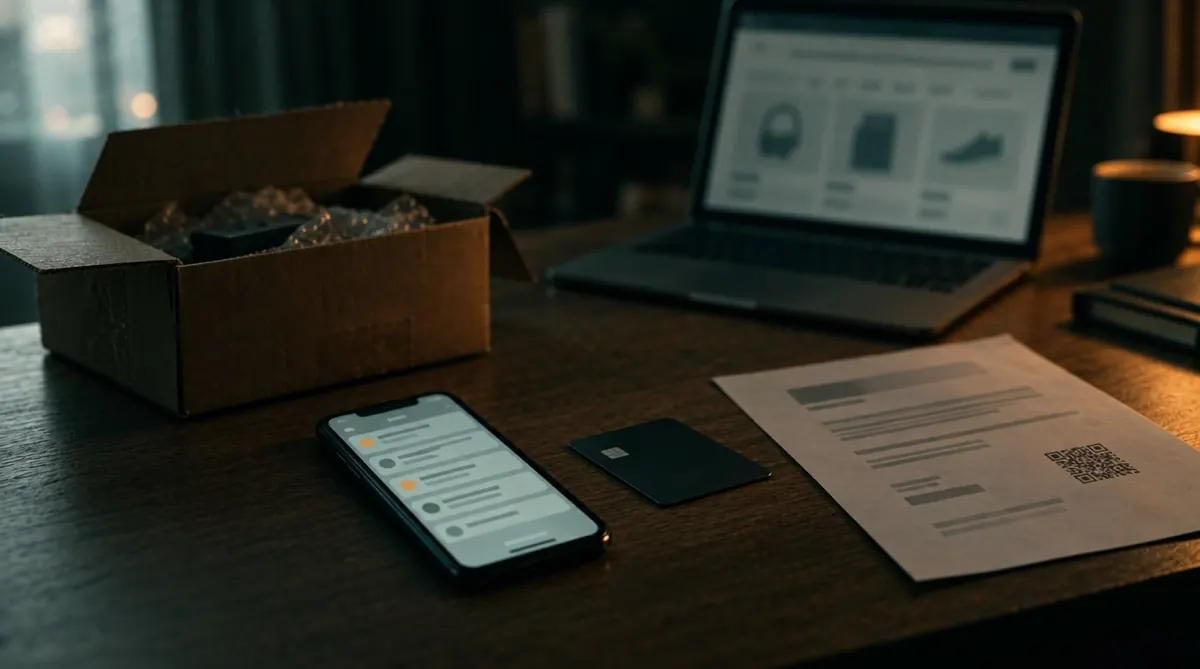
What police and consumer advocates reported in September, with warning signs and next steps.
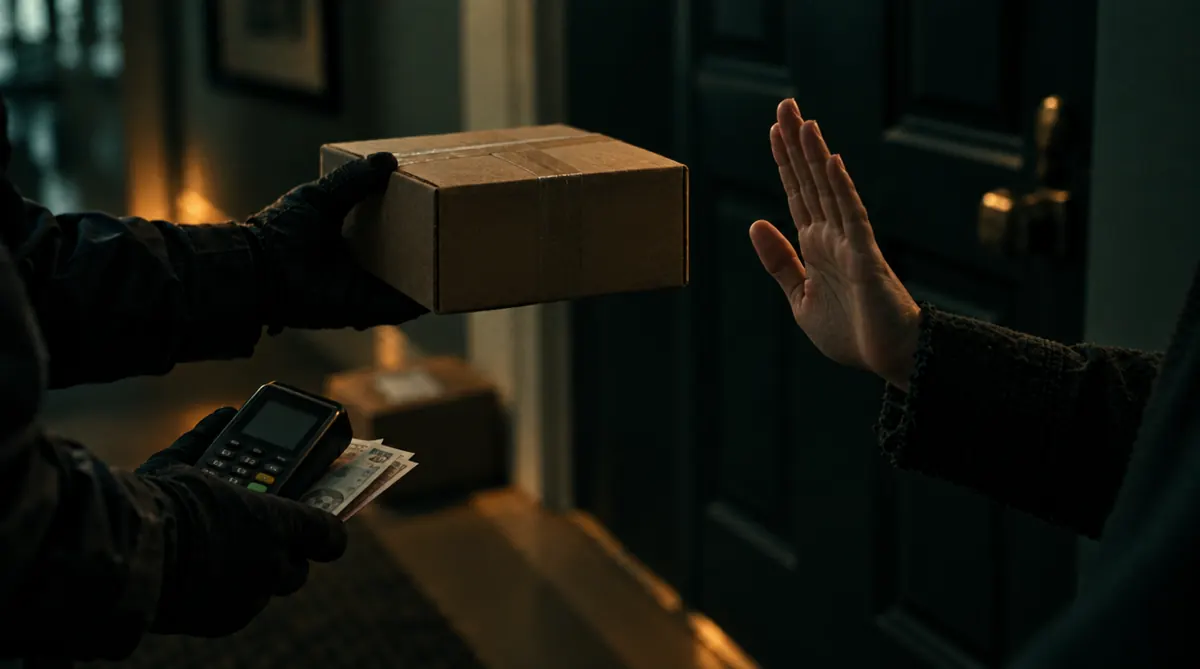
The courier wants cash for a parcel you did not order or that comes from a shop you do not trust.
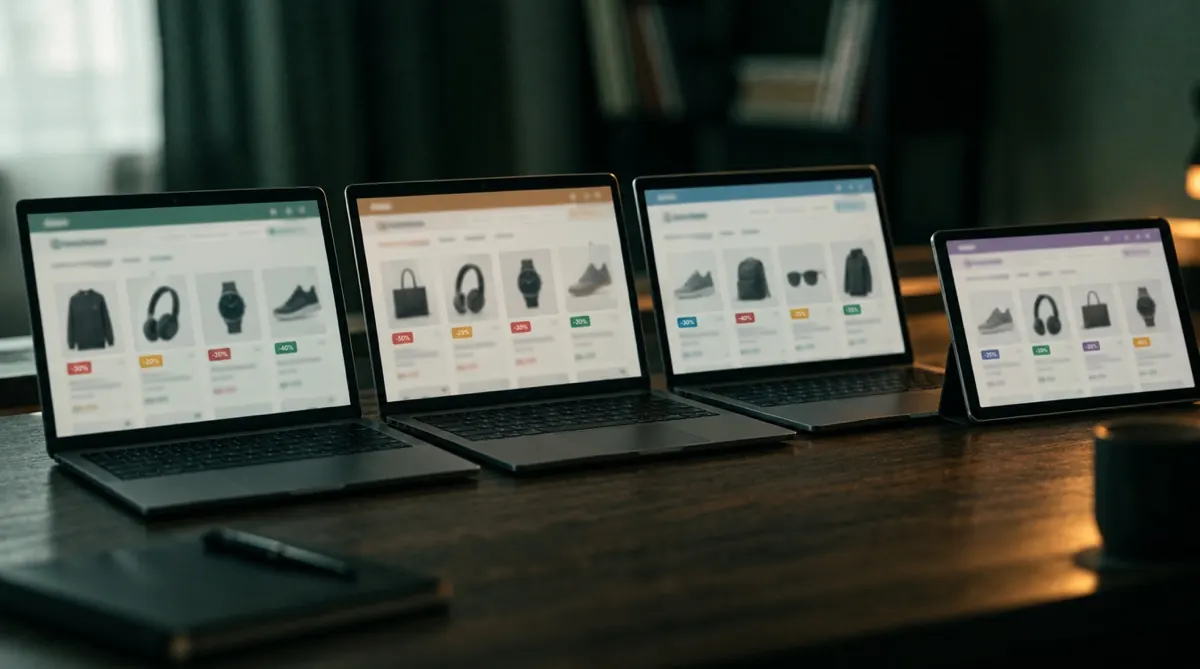
Around 119,000 identically built shops belong to one network, nearly all with the .shop ending.
A warning while you browse, preserved evidence and the check for your own software.
Open a page that is on our warning list and you see a warning before you enter data or pay there. The comparison runs in your browser.
It is not public in any store yet.
Once the shop is gone, so is your proof. For shops on a warning list or with the verdict Danger we therefore try to preserve the pages. Every file gets a SHA-256 checksum, so anyone can recalculate whether it has been changed.
Build the check into your own software. You get the same as on the website: verdict, trust score and the reasons.
Paste the shop’s address or a product link into the field at the top and press “Check shop”. The result lists what counted against the shop and what counted for it, each with its source and check date.
No check can prove that a shop is honest or a scam. Ours shows warning signs and points in the shop’s favour, such as a missing legal notice, prepayment only, a very new domain, entries on warning lists and reviews. The more serious signs add up, the more strongly we advise against ordering. Read the reasons, not only the verdict.
Yes. Our warning list holds addresses that a list we evaluate warns about or that our check rated “Danger”. Every entry shows its reasons and check date. A shop that isn’t on the list can still be fraudulent, so check the address before you pay.
Yes. The shop check and the warning list cost nothing. You don’t need an account and you won’t see ads. Services for businesses pay for the running costs. No shop can buy a better verdict; it depends only on what the check finds.
40 check modules look at, among other things, the legal notice and commercial register, payment methods, domain age, server location, legal pages, reviews, trust seals and entries on public warning lists. For every point we were able to check, the result says what we found.
No. The check is automated. It shows what counted against the shop on the day of the check, what counted for it and what we couldn’t check. Whether you order is your decision. Read the reasons, look at the check date and, where you can, pay in a way that lets you get your money back.
No. “No major warning” means that the automated check found no serious warning signs. That is not a recommendation or guarantee. Look at the check date and, where you can, use a payment method with buyer protection.
Yes. Paste the link into the field. We check the shop the page belongs to. We don’t rate the individual product.
Every result page shows the date of the latest full check. If a domain has since become unreachable or is only parked, the page says so. Shops change, so every result holds for the day of the check.
Call your bank or payment provider first, as some deadlines are short. Then keep the order confirmation, proof of payment and screenshots of the shop, and report it to the police. “Already paid” in the menu lists the steps for each payment method.